
Start with the task
AI Business Tasks and Operational Workflows
This collection starts with business tasks, not an AI product name. Explore practical ways to help with finding a record, checking inventory, creating a transaction, or moving an approved update.
Choose the task closest to the work your employees repeat. Each guide explains what is proven, what depends on system access, and when a person should review the result.

Three task guides
Choose the work employees need to complete
These guides focus on the task, the required records, and the next useful action.
Inventory questions and updates
AI Solutions for Field Inventory Management
Help field teams check what is available, where it is stored, and whether enough stock exists for a job.
Read the field inventory guideRecords tied to physical items
AI Asset Tracking Solutions
Match a scanned item to its record, explain the result, and keep the normal tracking process in control.
Read the asset tracking guideHands-free field work
Voice AI Apps for Field Service
Let employees ask a question or prepare an update when typing and screen navigation slow the task.
Read the field voice guideDirect answer
Which guide do I need?
Start from the sentence an employee would say, not from the software they open. Is it “where is it, and how many do we have?” Read the field inventory guide. Is it “which record belongs to the item in my hand?” Read the asset tracking guide. Is it “I need to ask or update something without stopping work?” Read the field voice guide.
The three overlap, and that is fine. Most teams get one question right and then find the next one close by. If two guides seem relevant, begin with the narrower task.
None of the three requires replacing the system that holds your official business records. Each one starts from the records you already keep and adds a faster way to reach or change them.
One task at a time
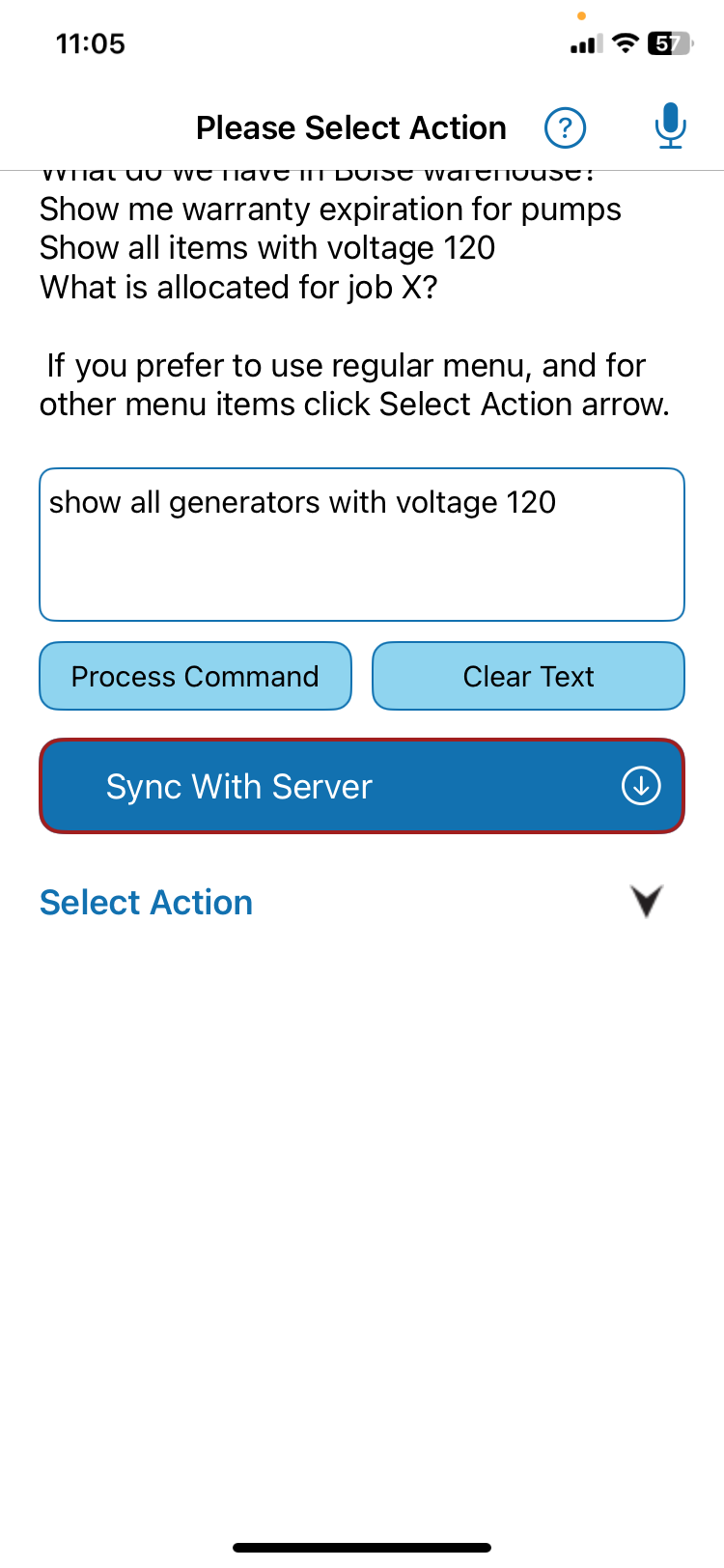
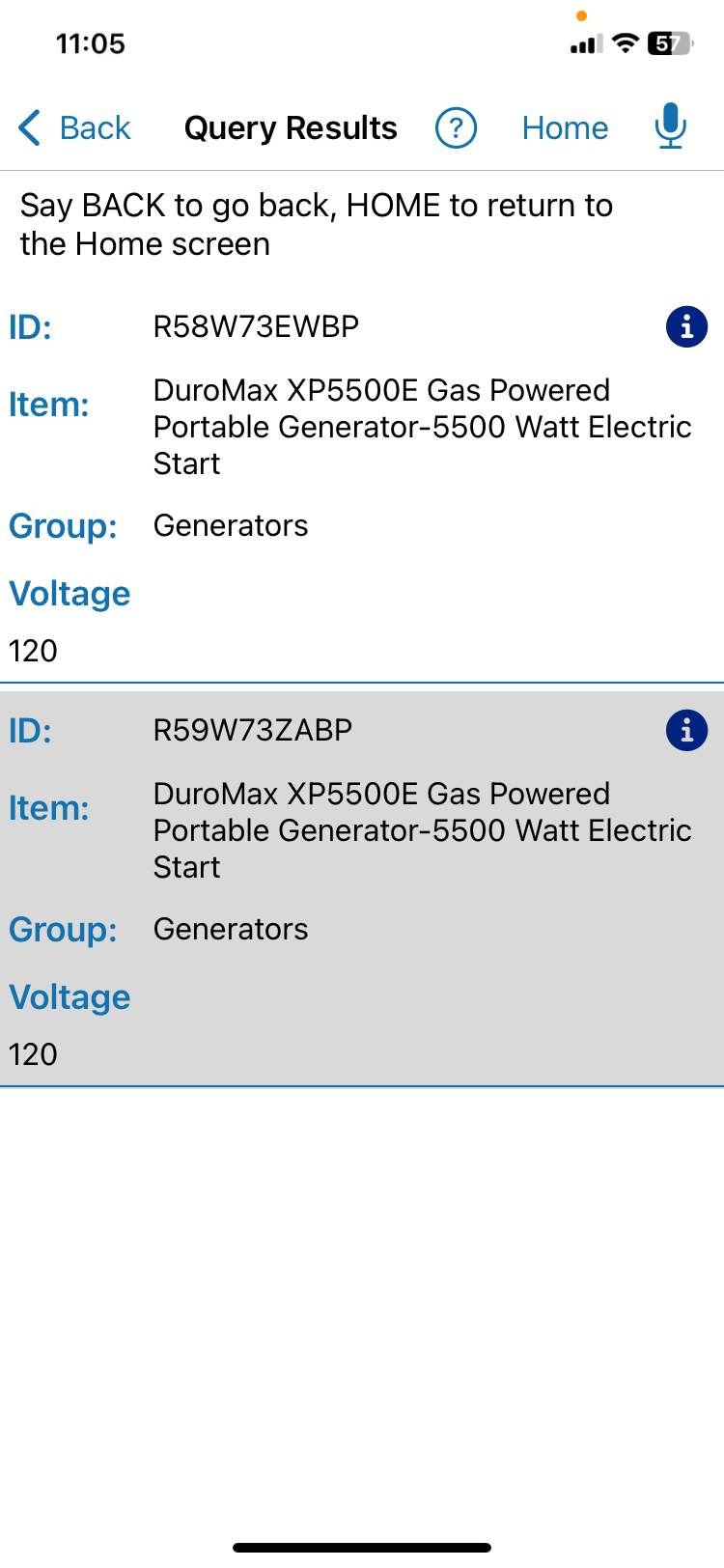
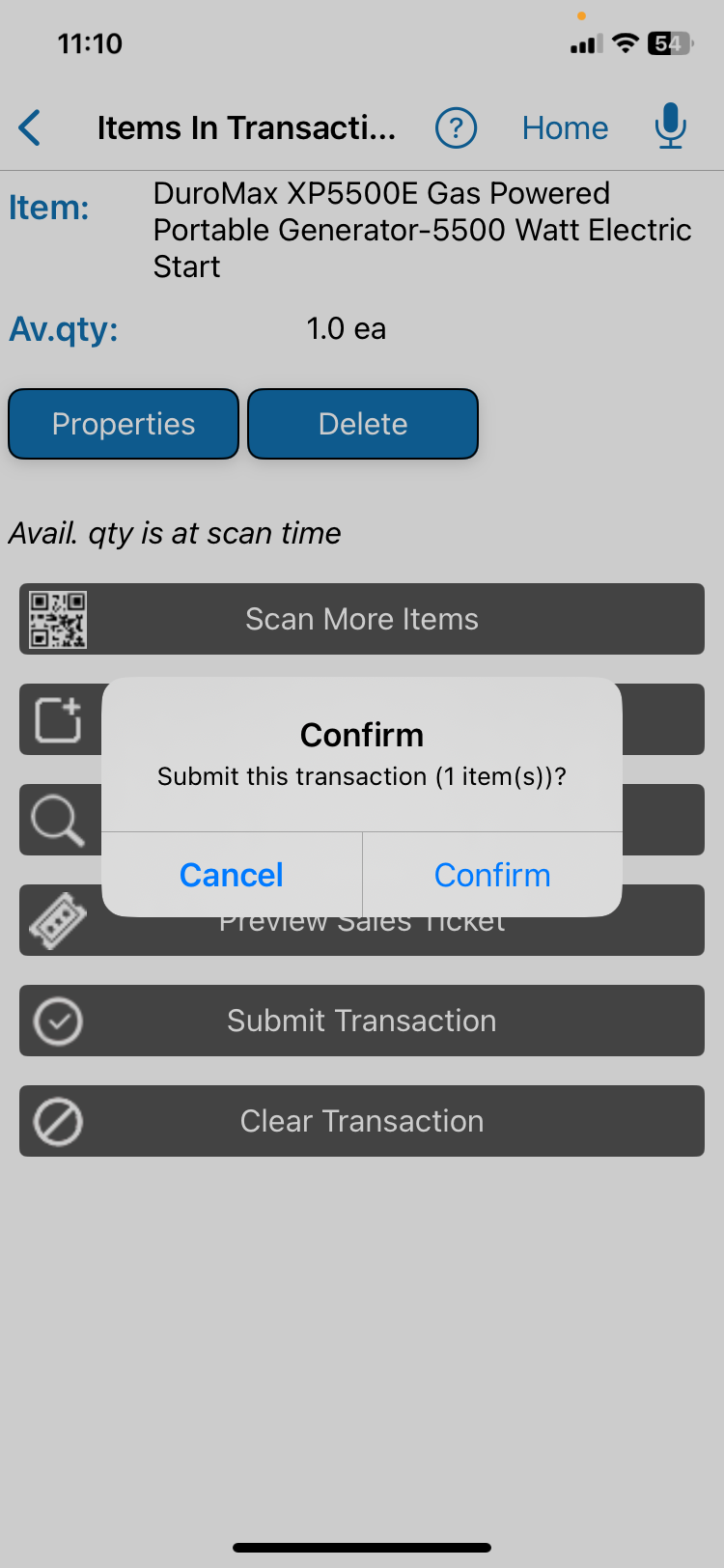
Ask, review, and confirm
These QR Inventory screens show one field request and one checked transaction step. They do not represent every linked service.
Related services and proof
Move from one task to the right service path
Use the service pages for implementation details. Use the case study to see what runs in production today.
AI Workflow Automation
Connect systems, rules, records, and approved actions.
AI Data Extraction
Turn supported input into matched and checked records.
Custom Voice AI
Support questions and updates when typing slows field work.
QR Inventory: our AI in production
Review the verified voice, transaction, offline, and onboarding details.
Bring one repeated task
Discuss a Workflow
Tell us what employees need to find, check, create, or update.