

Use voice where typing gets in the way
Voice helps when hands and eyes are busy
A technician may hold a tool, wear gloves, move gear, or work by a service truck. Stopping to open many screens can slow the job.
Voice gives staff one more way to use the same app. Normal screens stay open for review, long forms, and staff who prefer them.
Start with a narrow task
Ask for a record or start a transaction
A worker might ask for a part, asset, work order, past service, or job status. The request can also start a supported update, such as issuing a tool or logging a move.
The app has to work out what the worker is asking for and match it to the right records. If a key fact is missing, it can ask a follow-up question at once.
For the general design pattern, read Voice Commands for Mobile Business Apps. This page stays focused on field-service work.
Let the user check the action
Repeat and validate the details
A voice request can sound clear but still match the wrong item, site, customer, or job. The workflow should repeat key facts and show the matched record before a high-risk step.
You decide which actions are routine enough to run on their own. After the workflow matches the records and checks the details, those actions go through automatically. Everything else waits for a person to review it.
The exact check depends on the customer's app and workflow. See the general pattern in voice data entry for existing software.
Three moments, one technician
A day with a voice-enabled app
Three moments in one technician's day show where voice earns its place.
Morning, at the truck. The technician asks what is on board for the day's three calls, and the app answers from the van's stock record. Nothing is written. This is the cheapest kind of voice request: a wrong answer costs a second look, not a bad record.
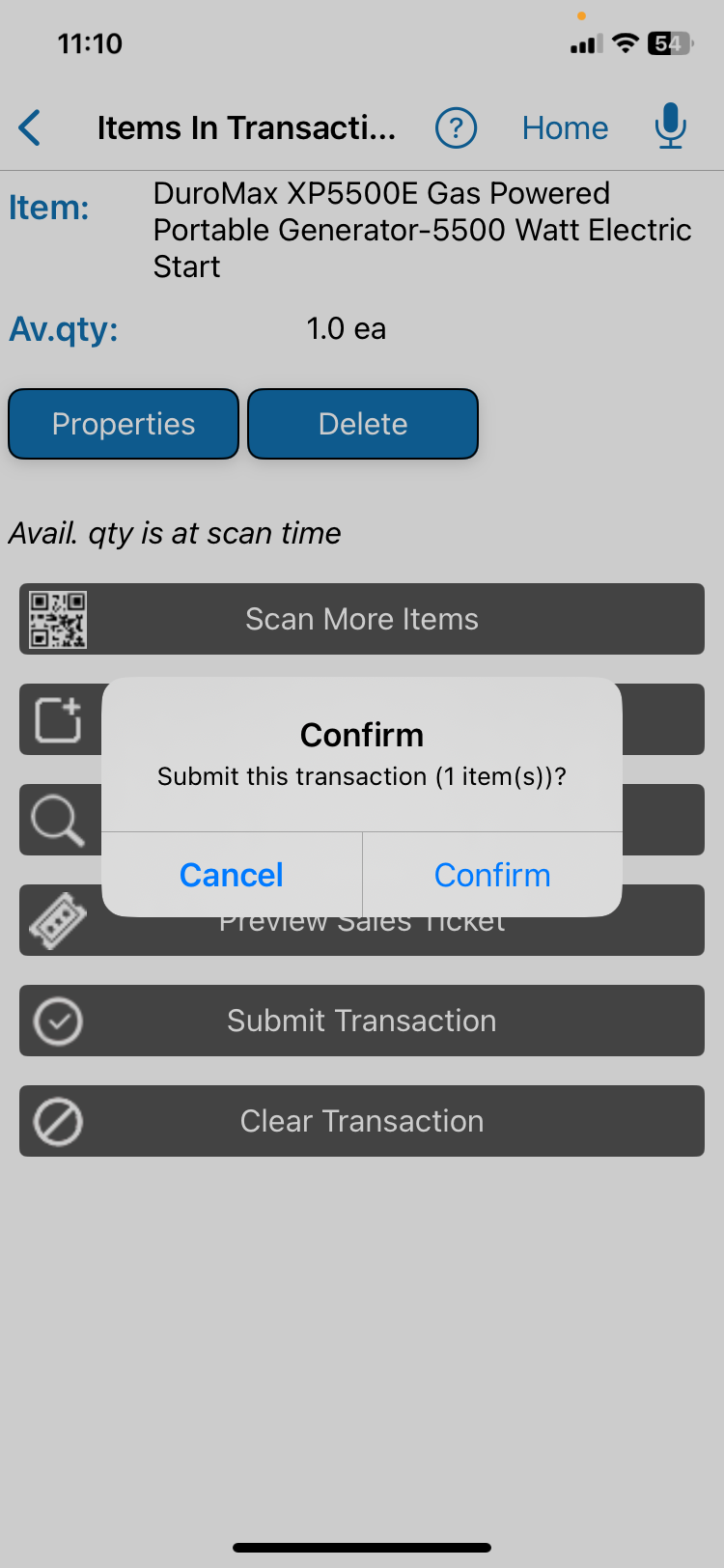
Mid-morning, on a roof. A part comes off the van and goes into the job. The technician says so, the app repeats the part, the quantity, and the work order, and waits for one tap. That pause is not friction. It is why the record can be trusted later.
End of day, back at the yard. Salesforce's 2025 State of Service survey asked mobile workers about administrative work. Respondents estimated that forms, information searches, and similar tasks take about 18 percent of their working hours. Salesforce sells field-service software. Counting returned parts by voice may be faster than typing, but it is the step most likely to be rushed. A count that closes out a job should show its numbers on screen before it saves.
Two of those three moments could have been done by tapping. Voice earns its place where the same short update repeats many times a day. See the wider set of patterns in where AI fits in field service.
Choose where the request is handled
Choose private or approved cloud processing
The app may handle speech on the device or use an approved cloud service.
Read the processing checklist
Customers can choose private on-device processing or approved cloud processing. A cloud path may use a commercial cloud service, a BusinessForward-controlled environment, or a customer-controlled environment.
The right choice depends on the application and workflow. Data sensitivity, connectivity, device limits, retention, access, and cost all affect the decision.
Define what stays on the device, what may leave it, which model receives the request, how long records remain, and who can review them.
Customer data is not used for model training. Retention is defined, and access is restricted. A dedicated environment is available when required and may cost more.
Design around the real work
Fit the workflow to the field team
Begin with one common question or update. Then check the practical things around it: the devices your crew carries, the network coverage on site, and what the app lets outside software do. Look at the state of your records and the words your crew actually uses. Then think about background noise, safety rules, and who fixes problems when they happen.
BusinessForward designs and builds voice tools for field apps. Explore Custom Voice AI for Field Operations, or see how it fits Field Service Operations.
QR Inventory is the production example on this page. Other field applications require a feasibility review — a short check of whether the workflow can actually be built with your systems.
Short answers
Common questions
Does the technician have to speak in a fixed way?
No, but the app has to know your vocabulary. Part numbers, site names, and crew shorthand are what a general speech model gets wrong most often. Those lists come from you, and adding to them later is upkeep, not a rebuild.
What happens on a loud job site?
Loud environments can reduce voice accuracy. A microphone worn close to the mouth or a headset may help more than software adjustments. Where noise is constant, keep voice for short lookups and leave the longer updates on screen.
Related reading