
Ask a business question
“Do we have enough of this material for Project Y?”
The workflow identifies the item and project, checks available inventory, and explains the result.
Use voice where typing gets in the way
BusinessForward builds voice-enabled workflows for employees who cannot stop to type or navigate several screens. A worker can speak a question or update. The app can match records, check business data, explain the result, and prepare a real transaction — the selected action and its details, such as item, quantity, and project.
Production workflow
“Do we have enough of this material for Project Y?”
The app identifies the item and project without sending the audio away.
QR Inventory checks the matching records and available inventory.
The user gets a clear answer, based on a request the app has checked against the business records.
Two production workflow types
“Do we have enough of this material for Project Y?”
The workflow identifies the item and project, checks available inventory, and explains the result.
A worker speaks an update. The workflow matches the correct records, prepares the transaction, and allows confirmation before anything changes.
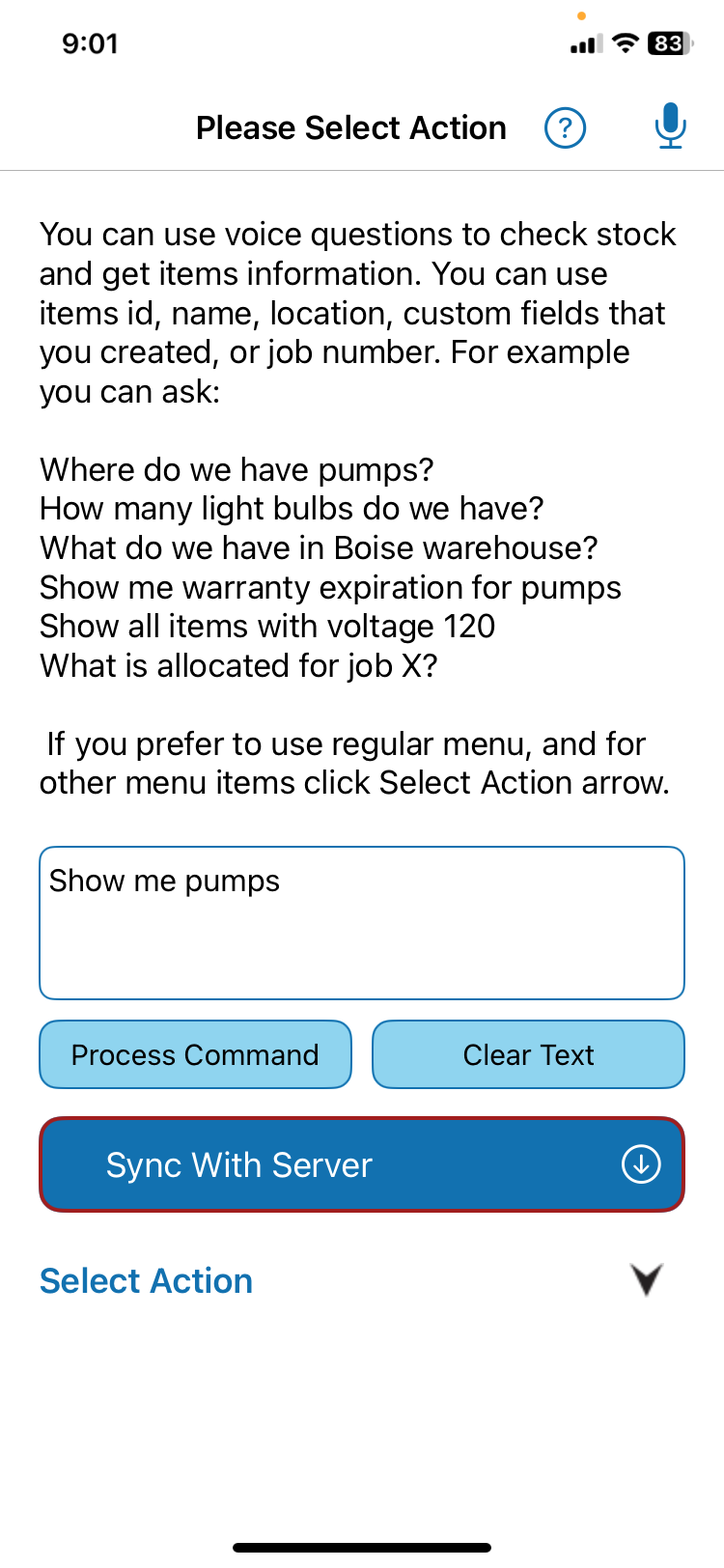
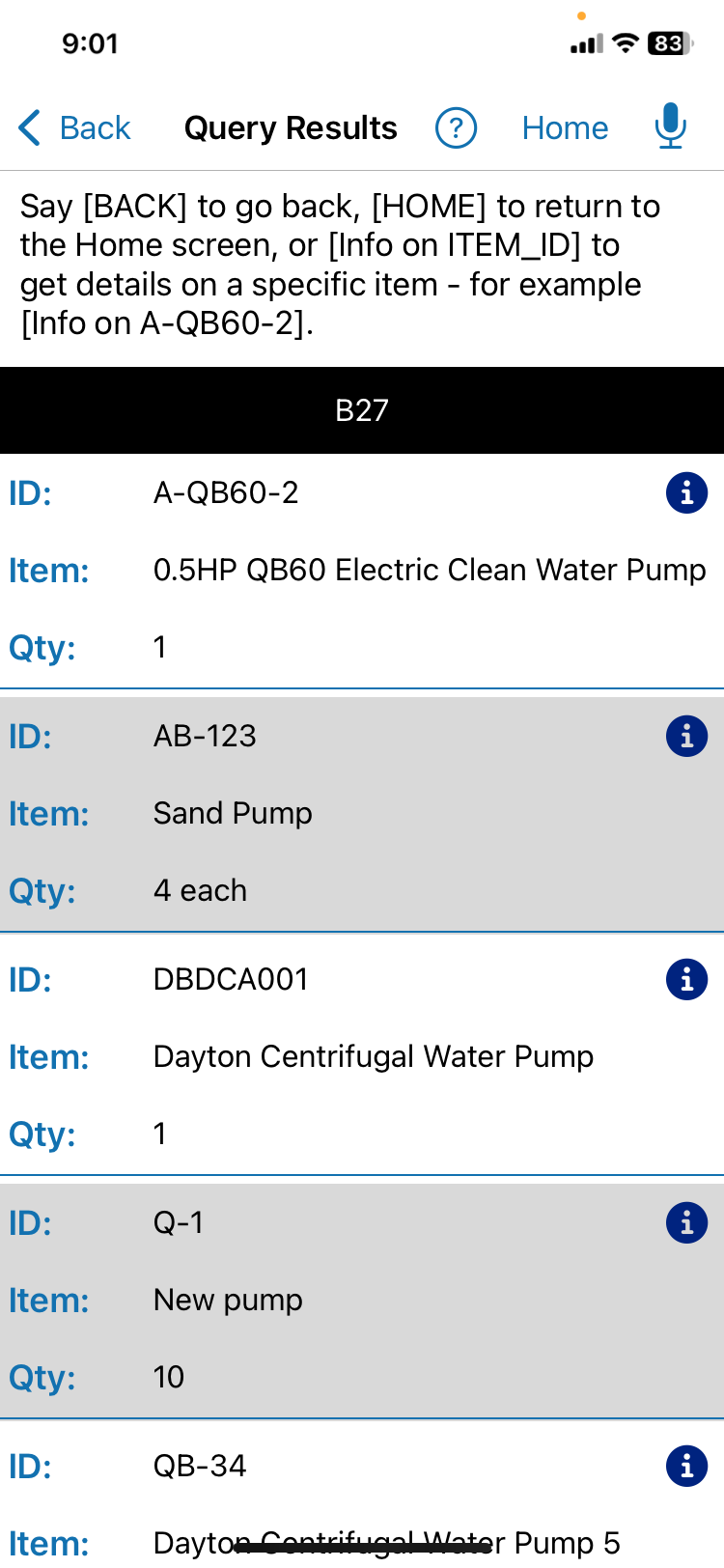
QR Inventory in production
QR Inventory uses on-device voice AI on iOS and Android phones and tablets. Audio never leaves the device. If service is unavailable, the app holds the selected action and its fields until the connection returns.
Optional technical detail
The audio and the structured request are different. Only the structured request follows the normal application path to business data.
Onboarding and training
Users can follow guided setup and transaction steps, moving forward or back as needed. They can also ask questions such as, “How do I track pallets of supplies?” or “Where is item X, and how much is at each location?”
The help works alongside the application's normal screens and human support.
Add voice to the existing process
Keep forms and taps for employees who prefer them or for tasks that need visual review.
Use voice when hands, motion, equipment, or field conditions make typing hard.
Let the worker review a prepared transaction before the application changes business records.
Focused voice workflow
Questions operations teams ask
No. In QR Inventory, audio never leaves the device. The app creates a structured request for the normal application workflow.
QR Inventory uses its on-device voice AI on iOS and Android phones and tablets.
The app holds the selected action and its fields until the connection returns. It then continues the cloud and database steps.
Yes. QR Inventory can match the request to records, check inventory, and explain the result.
Yes. The workflow can match the records and prepare a structured transaction for confirmation before anything changes.
No. It adds another way to use the application's existing fields, business rules, and records.
Related solutions
Start with one field task
Show us the question or update, the records it needs, and what should happen next.